Top 5 Wireless CarPlay/Android Auto Adapters
Automotive - 09, October, 2025 - Khadija Hanif
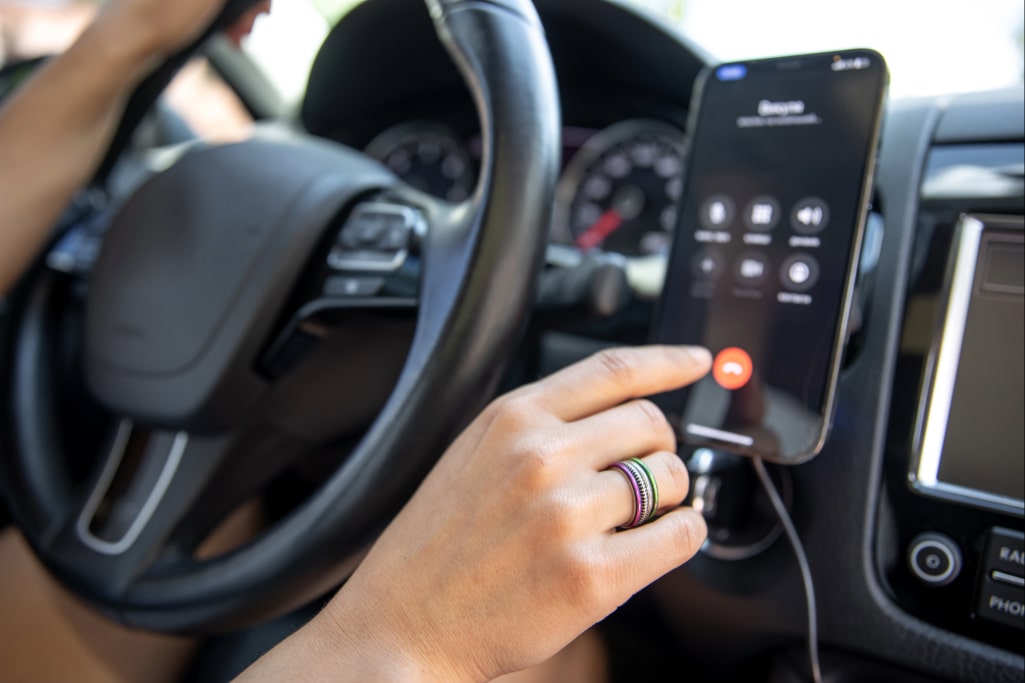
You want your car to feel smarter. You want maps, calls, music, hands-free, all without wires. Many people still plug their phone into their car. But wires tangle. They snag. They get in the way. A wireless adapter can remove that hassle. It can turn your wired CarPlay or Android Auto setup into a cable-free experience (yes, just like magic, okay?). If you’re wondering which option stands out this year, the best wireless CarPlay adapter in 2025 models deliver speed, reliability, and a clutter-free dashboard.
In 2025, the tech for these adapters improved a lot. They boot faster. They stay connected more reliably. They cost less. Here we are some of the best wireless adapters so you can find the best one. We will also discuss how to pick one and set it up. So, let’s get into it!
What Is a Wireless CarPlay/Android Auto Adapter?
You already know CarPlay (for iPhone) and Android Auto (for Android). They let you run apps from phone to car screen. Usually, you plug a USB cable. A wireless adapter sits between your phone and car and uses Bluetooth + Wi-Fi, so you don’t need a cable.
It works like this:
· Plug the adapter into car’s USB port (where CarPlay/Android Auto usually plugs in).
· The adapter pairs with your phone wirelessly.
· Then your car thinks your phone is plugged in.
But everything happens without the cable.
These adapters let you free your hands (and your dashboard). They allow you upgrade older cars (that support wired CarPlay) without replacing the whole stereo. Think of them as a small bridge between your phone and car. For Android users, especially, having a reliable Android Auto wireless dongle can be the difference between frustration and smooth, cable-free driving.
Best Wireless Adapters to Make Your Car Smarter
1. Carlinkit 5.0: The Best All-Round Wireless Adapter
It is simple, quick, and flexible. It works with both Android Auto and Apple CarPlay, so it doesn’t matter what phone you have. Just plug it into the USB port where you usually connect your phone. The first-time setup takes under two minutes. After that, it connects automatically every time you start the car.
It’s compact, so it won’t get in the way. The Wi-Fi and Bluetooth pairing are stable. If you drive daily, this adapter won’t leave you waiting or dealing with frozen screens. Many people like how it works as a plug-and-play CarPlay adapter, meaning there’s no technical hassle or long learning curve.
Pros:
· Works with iPhone and Android
· Quick connection
· Small and easy to hide
Cons:
· May lag slightly on some older phones
· Firmware updates need care
· Not suitable for all car models
2. Teeran Wireless CarPlay Adapter: Smallest One with Big Performance
It only works with CarPlay, so Android users will need something else. But for iPhone users looking for a clean, wire-free experience, it works great! However, they are small in size, that you’ll barely notice them once plugged in.
The setup takes less than a minute. You plug it in, connect once using Bluetooth, and it auto-pairs every time after that. It handles music, calls, navigation, and more without any major delay. If your car supports wired CarPlay and you want a “set it and forget it” device, this works well.
It works best for people who want a clean dashboard and don’t want bulky tech showing. Great for minimalists or people with smaller cars. If you’re unsure which one fits your car model, you’ll find many online resources, including a wireless CarPlay compatibility guide that can save you time before buying.
Pros:
· Tiny and discreet
· Auto-connects fast
· Stable with most iPhones
· Good heat control
Cons:
· Doesn’t support Android Auto
· May lag when switching fast
· Requires wired CarPlay support
3. Ottocast OttoAdapter MX: Best for Fast Switching and Low Lag
If you switch phones often or want a smooth drive, the Ottocast MX is a great choice. It works with both iPhones and Androids and connects quickly. No waiting for apps or maps to load. It reconnects in seconds after you start your car.
One cool thing: you can mirror your screen. That means you can share content (such as videos or apps not supported by CarPlay) on the car display. The design looks modern, and the build quality feels solid. It fits in most cars made after 2017 with wired CarPlay or Android Auto.
It’s a bit more expensive than the basic adapters, but you get stronger features in return. For people who love testing car infotainment upgrade accessories, this adapter is both stylish and powerful. Don’t miss out on huge savings! Apply Ottocast Coupon Codes at checkout to get exclusive discounts on Wireless CarPlay/Android Auto Adapters, and make your car tech-friendly without spending a fortune.
Pros:
· Very low latency
· Screen mirroring available
· Easy phone switching
· Works with iPhone and Android
Cons:
· Higher cost
· The setup app can be buggy
· Not ideal for older cars
4. Vevavi Wireless CarPlay Adapter: Reliable for Everyday Use
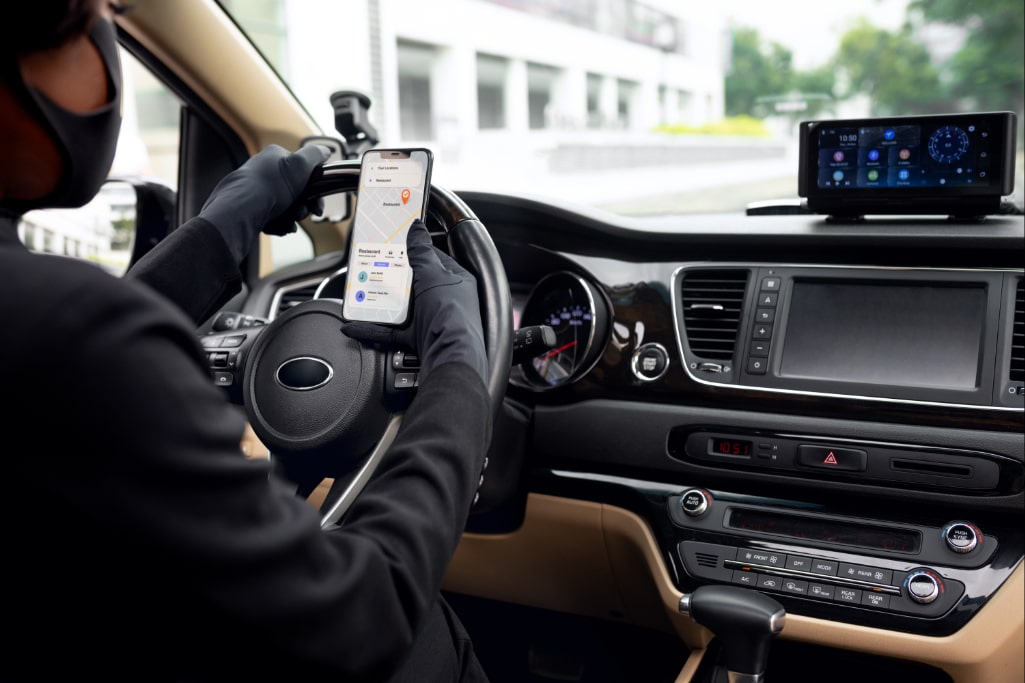
The Vevavi adapter is simple and works well every day. You set it up once, and then it just works. That’s what most people want, right? It’s made mainly for Apple CarPlay, but some versions also support Android Auto. Make sure to pick the one that matches your phone.
After the first pairing, your phone will reconnect in a few seconds every time you start the car. It handles calls, navigation, and streaming well, though video-heavy apps may show a little delay. If you take a lot of calls or use Maps daily, you’ll love how smoothly it runs.
The adapter also uses your phone’s Wi-Fi, so you can’t connect to your home Wi-Fi while driving. Not a big deal, but worth knowing. It’s a good choice if you want something simple and steady without extra features. Many daily commuters prefer it because it feels like a low-latency wireless CarPlay device compared to cheaper options.
Pros:
· Works well every day
· Connects fast every time
· Suitable for calls and maps
· Easy to set up
Cons:
· Some delay with videos
· Uses your phone’s Wi-Fi
· May not work in all cars
5. Carsifi Wireless Android Auto Adapter: Perfect for Android-Only Users
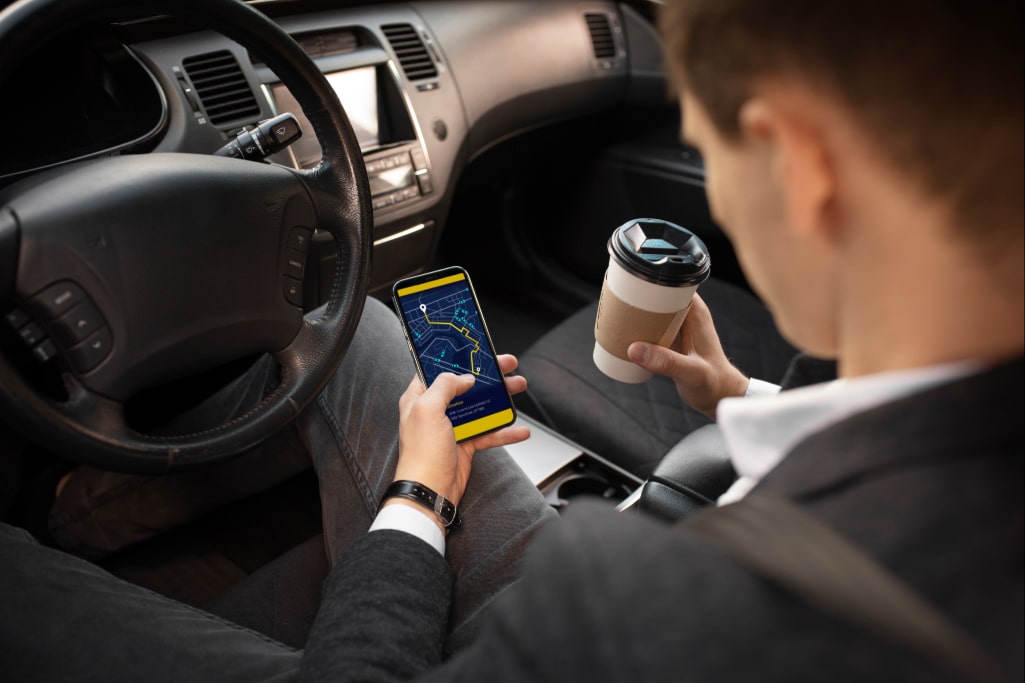
If you only use Android and don’t need Apple CarPlay, Carsifi is a smart pick. It works well with Android Auto and even works in many older cars. The setup is easy: plug it in, connect your phone once, and it handles the rest.
One unique thing is its quick “phone switch” button. If you and someone else share the car, you can easily swap between phones without unpairing anything. That’s rare in most adapters. It’s small, lightweight, and fits snugly near the USB port.
If you only use Android, this adapter gives you the features you need without extra steps. It supports voice commands, music, maps, and messages just like wired Android Auto, but wire-free. The CarPlay adapter setup and installation process is straightforward, even for beginners, so you won’t need to hire anyone to help.
Pros:
· Built for Android Auto
· Fast phone switching
· Compact design
· No major lag
Cons:
· Doesn’t support CarPlay
· May need manual update
· Limited iPhone use
How to Choose the Right Adapter
You should look at three key things:
· Compatibility
Make sure your car’s head unit has wired CarPlay or Android Auto. The adapter can’t add it where there is none. Next, check if the adapter supports your phone brand and model.
· Latency and Connection Quality
You want zero lag. If the adapter delays when switching apps or maps, that kills the experience. Better models use dual Wi-Fi or smarter hardware to reduce delay.
· Ease of Setup and Support
You don’t want to fight with firmware or confusing apps. Choose a brand with good support and clear instructions. Also, check how often the maker issues updates.
Also consider heat control, size, and power draw. Some adapters get hot after long drives. Others are bulky and block ports. Good ones stay cool and small. By the way, if you want to explore smart auto codes and tools, check out getmecodes.com.
Set Up Example: What to Expect When You Install
1. Find the USB port that your CarPlay or Android Auto uses.
2. Plug in the adapter.
3. Enable Bluetooth and Wi-Fi on your phone.
4. The adapter will appear in Bluetooth. Pair it.
5. Accept prompts. Soon, the phone will route CarPlay or Android Auto via the adapter.
6. On later starts, it should auto-connect.
If it doesn't, try restarting the phone or the adapter. Use updated firmware if available.
Final Thoughts
Using a wireless adapter feels great once set up. You stop plugging in your phone. You get a clean dash. You still get navigation, music, and calls. But you lose less time and fuss.
Pick the adapter that fits your car and phone. Prioritise reliability and low delay. If you drive a lot, go for one that stays cool. If you share the car, pick one with easy device switching.
Always plug in your adapter before you head out and give it a minute to warm up. This helps make sure the connection is stable. Remember, the best wireless CarPlay adapter in 2025 is all about the right balance of compatibility, speed, and simplicity.
FAQs
1. Can I use a wireless adapter in a car without wired CarPlay?
No, you can’t. The car must already support wired CarPlay or Android Auto. The adapter only converts that wired setup into wireless. It doesn’t add CarPlay from scratch.
2. Will my phone battery drain faster using the adapter?
Yes, a bit. The wireless connection uses power. But if your car has a USB port that gives power (or you use a USB charger), you can offset that drain.
3. Is there a lag in signals or video?
Some lag can happen. Good adapters keep it low (fractions of a second). But cheaper ones or ones in weak signal areas may show delays when switching apps or maps.
4. Can I switch between two phones easily?
It depends. Some adapters let you press a switch button or choose a device in their app. Others auto-connect only to the last paired phone. If you frequently swap drivers, pick one with easy switching.
5. Do I need to update firmware often?
No, it's not required, but helpful. Updates fix bugs, improve compatibility, and reduce lag. Just check the maker’s support page for new updates.

Khadija Hanif (LinkedIn)
I am a creative content writer with three years of experience, covering a wide range of topics from fashion to the latest trends in the tech and entertainment industries. I supports mental health initiatives. My aim is to provide clear, insightful information on latest trends, fashion, health & wellbeing .
Automotive Discount Stores

























 Sign Up & Get $5 Instantly!