Top 10 PDF Tools to Boost Productivity in 2025
Computer, Hardware & Software - 21, August, 2025 - Khadija Hanif
PDF files are everywhere. Whether you're filling out a form, sharing school notes, signing a contract, or sending a resume, chances are it’s a PDF. These files are simple to use, but editing or managing them without the right tool? That can be frustrating.
Luckily, 2025 brings better, smarter PDF tools made to save you time and effort. This means no more struggling to edit your files or convert them into another format.
The right tools will help you do more thing in less time, whether you are student, a teacher, a remote worker, or someone running a small business.
In this blog, we’re going to explore the ten best PDF productivity tools for 2025. They’re not just popular - they actually work. Each tool has helpful features and is made for what you need in 2025. Let’s look at them one by one and see which suits you best.
1. Adobe Acrobat Pro DC: All-in-One for Professionals

If you want one tool that does everything, Adobe Acrobat Pro DC is a solid choice. It’s been around for a long time, but it keeps getting better every year. In 2025, it’s still one of the top PDF editing software for professionals 2025 and for good reason.
You can use it for
-
Editing text
-
Adding images
-
Filling out forms
-
Signing documents
-
Converting files (into other formats like Word or Excel)
Best Feature: Cloud Syncing
You can open a file on your laptop, edit it on your phone, and share it from your tablet - all without starting over.
Additional Uses: It also lets you organize pages, add comments, and protect your PDFs with passwords.
Great For: This tool is great for teams, freelancers, and business owners who need strong features and a clean layout.
2. SwifDoo PDF
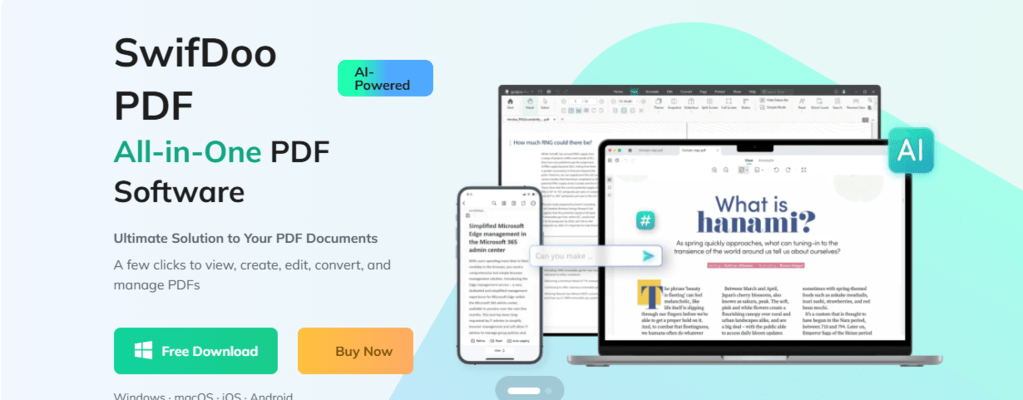
SwifDoo PDF is a lightweight yet powerful tool that stands out in 2025. Built for students, professionals, and everyday users, it offers a simple interface without losing advanced features. Manage your files smarter and cheaper apply SwifDoo PDF Coupon Codes and unlock exclusive deals on powerful PDF tools trusted by professionals worldwide.
You can edit, merge, compress, and convert PDFs with ease. Its OCR technology makes scanned documents editable, and unlike bulky software, it’s fast and resource-friendly. With cloud integration and smooth sharing, SwifDoo keeps you productive whether you’re working on reports, eBooks, or contracts.
Why SwifDoo PDF in 2025?
-
Easy-to-use interface
-
OCR and batch processing
-
Affordable pricing
-
Lightweight and fast performance
3. Foxit PDF Editor: Lightweight but Feature-Rich

Foxit PDF Editor works well if you use Windows and need something fast. It doesn’t slow down your computer. It looks and feels like Microsoft Office, so it’s easy to learn. This tool will help you:
-
Chage text
-
Add pictures
-
Highlight important parts
-
Add digital signatures
The layout is simple, and the buttons are easy to understand. So even if you’re not good with tech, you’ll learn it fast.
What Stand Out: Collaboration Option
You can leave comments or notes on a PDF and share it with others. Great if you're working with a team.
More You can Do: It also comes with built-in cloud storage, so your files stay safe and easy to access.
Great For: Foxit is perfect for small businesses, freelancers, and students who need more than just basic tools.
No surprise why it’s still among the top PDF converter tools for Windows and Mac this year.
4. Nitro PDF Pro: Office-Style Productivity
Nitro PDF Pro is a strong tool for everyone who works with a lot of documents every day. If you’re used to working in Microsoft Office, this will feel familiar. The layout is simple, and the buttons are easy to follow.
Using this tool, you can
-
Create, edit, and convert PDF files
-
Change Word, Excel, and PowerPoint files into PDFs (and the other way around, too)
-
Combine files together, split them apart, and add digital signatures.
Best Part: Batch Processing
You can work on many files at the same time, which saves a lot of time for office workers or anyone with lots of paperwork.
Other Useful Features: It also offers safety features like setting passwords and choosing who can open or change your files.
Suited For: If you need a tool that’s easy and dependable for work, Nitro PDF Pro is a good pick to help you finish tasks without any fuss.
5. Xodo PDF: Best Free Tool for Android Users
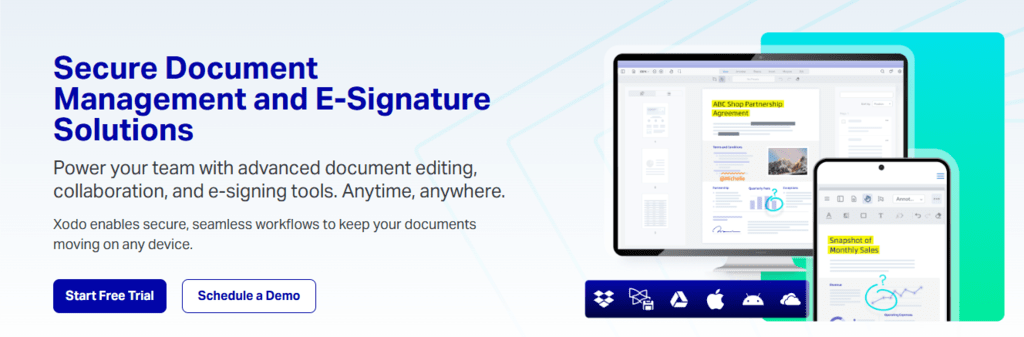
If you’re looking for a free and easy PDF tool for Android, Xodo is a top choice. This one stands out as one of the top Android PDF tools for students and professionals because it's quick, easy to use, and full of helpful features. Plus, it works well even on older devices.
With Xodo PDF, you can easily
-
Open and read PDF files
-
Highlight important sections
-
Add notes or comments
-
Fill forms (even on your phone)
Best Feature: Completely free and Full of Tools
There’s also a built-in file manager, so you can organize your PDFs without needing another app.
Additional Uses: You can open PDFs, write notes, highlight text, and fill out forms right on your phone. The app also connects to Google Drive or Dropbox, so your files are always easy to access.
Great For: It is really useful for students or anyone who reads many documents on their phone.
6. PDFgear: Great Free OCR and Editing Combo
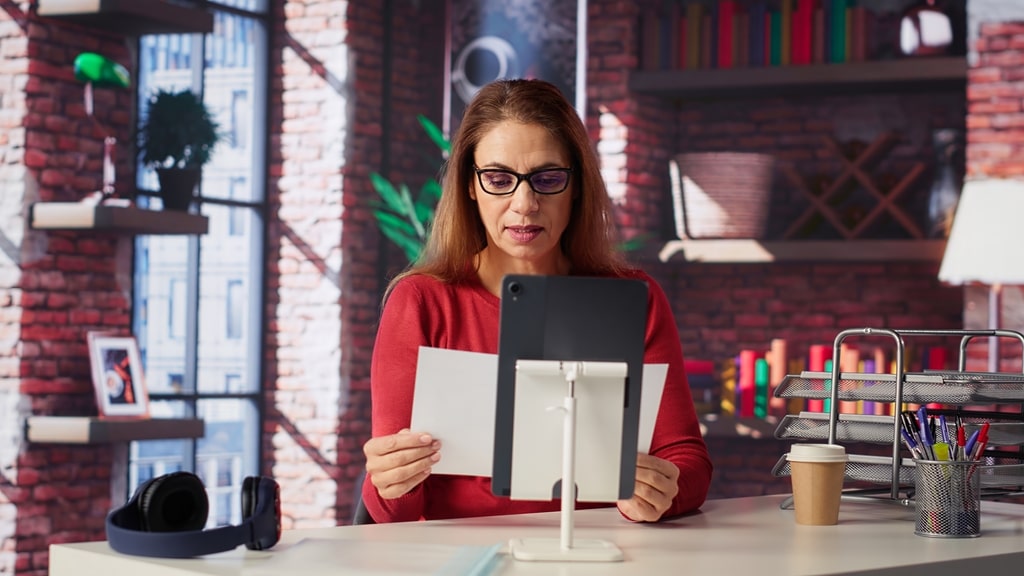
This one is seen as the best PDF editor with OCR support in 2025. It’s a great find, especially if you often work with scanned files. It’s free, quick, and very simple to use. You don’t need to sign up or see ads all the time.
You can also use PDFgear to
-
Merge files
-
Compress large PDFs
-
Convert files into other formats like Word or JPG
Special Feature: OCR (Optical Character Recognition),
This helps to turn scanned images into editable text. That means it can turn scanned PDFs into editable text. This is super helpful if you want to fix something on a scanned form or copy text from an image-based file.
Further Benefits: The layout is simple, and the tools are clearly labeled. You won’t waste time trying to figure out how it works.
Perfect For: It’s a great pick for students, freelancers, and anyone who needs editing power without the heavy price tag.
7. PDFescape: Browser-Based Editing for Quick Use
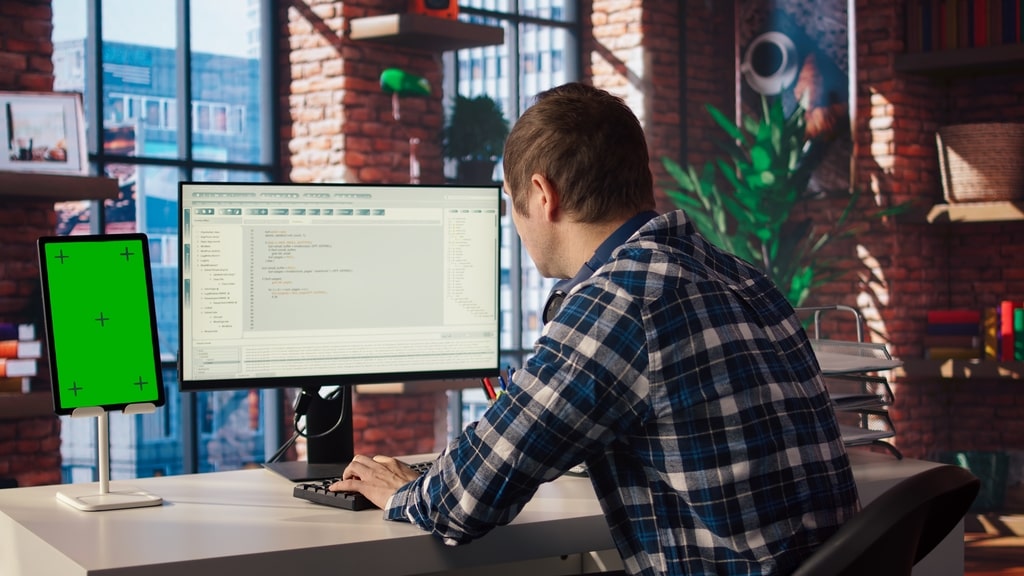
Sometimes you just need to open a file, make a quick edit and be done. That’s where PDFescape comes in.
Main Benefit: Works in a Web Browser (No Download Required)
There’s also a desktop version, but most users find the browser version more than enough for everyday needs.
This tool can help if you need to
-
Upload your PDF
-
Type on your files
-
Draw something or add shapes
-
Remove unwanted pages
Extra Capabilities: Perfect for quick jobs like filling out a form or adding a signature without needing any extra tools. The drag-and-drop setup is easy, and everything loads fast.
Recommended For: It’s great for students, job seekers, or anyone who doesn’t want to install extra software. And because it works online, you can use it on almost any device with a browser.
8. Kami: Classroom-Friendly PDF Tool

If you're studying or teaching in 2025, this is one of the PDF tools for students to boost study productivity. Wondering, why? Take a look! Kami can make schoolwork easier. It’s made for learning and works well with Google Classroom and Google Drive.
With Kami, you can
-
Highlight text
-
Add notes or comments
-
Draw and type directly on PDFs
-
Fill out worksheets and assignments
Best Feature: Real-Time Collaboration
Students and teachers can work on the same file together. You can leave voice notes, draw things out, or give feedback, all in real time.
More to Love: You don’t need to print anything. You can read, edit, and turn in work online. The design is colorful and easy to use, which makes homework feel less boring.
Great For: Kami is perfect for classrooms, online learning, and group projects. It keeps everyone connected on the same page.
9. Smallpdf: Quick and Easy PDF Tools Online

It’s known as one of the top PDF converter tools for Windows and Mac because it works smoothly on both. Smallpdf is simple and quick.
You don’t have to download anything. Just open the website, drop your file there, and pick what you want to do.
You can use it to
-
Change PDF files to Word, Excel, PowerPoint, or images
-
Make files smaller
-
Merge or split PDFs
-
Sign documents online
Top Feature: Works in Your Browser
You don’t need to install anything. Just drag, drop, and click. It works smoothly on phones, tablets, and computers.
Extra Bonus: The design is clean and simple, so even if you’re new to it, you’ll get the hang of it right away.
Great For: It’s perfect for anyone who needs PDF tools once in a while. Whether you're using Windows or Mac, this tool gets the job done fast.
10. iLovePDF: All Your PDF Tools in One Place

You don’t need to jump between apps. You can join files, split them, make them smaller, or change their format—all in one spot.
Here’s what you can do with it
-
Join or split PDF files
-
Make big files smaller
-
Add watermarks
-
Convert PDFs files to other formats (and vice versa)
Best Feature: Use It Online or Offline
You can use it right in your browser, or download it to your computer. There’s also a mobile app. It works no matter where you are.
Bonus Benefits: The layout is clean and beginner-friendly. Even if you’ve never edited a PDF before, you’ll get it fast.
Great For: Whether you’re managing personal tasks or small business files, iLovePDF is a simple and trusted tool in 2025.
If you’re looking for good deals on software and digital tools, don’t forget to checkout getmecodes.co.uk.
Ending Note
The right PDF tool can save you time and make your tasks easier. Some tools let you read or sign a file. Others let you fix mistakes or change formats. You just need to pick the one that fits your work and works well on your device. In 2025, many new and improved tools will help you stay organized without making things hard. Some are made for busy professionals, while others are great for students or anyone handling files now and then.
The best choice is the one that feels right for you. Try a few, see what works, and stick with the one that fits your daily tasks.
With these top 10 PDF tools, managing your documents gets quicker and simpler. The right app can make a big difference in how much you get done this year.
FAQs
1. What should I look for in a PDF tool in 2025?
Pick a tool that saves you time. Make sure it works on your phone and computer, lets you edit and share files easily, and keeps your documents safe.
2. Is it safe to use PDF editors online?
Yes, most online PDF tools are safe if they use secure websites (look for “https” in the link). Many tools also delete your files shortly after you upload them. Still, it’s smart to avoid uploading private files unless the site clearly says it protects your data.
3. What can I do if my PDF file is too large to send?
You can shrink the file size using a PDF compressor. Some tools let you do it without lowering the quality too much.
4. Can PDF tools help people who use screen readers?
Yes, some tools add tags to PDFs that help screen readers to read the files easily. These tags tell the screen reader what’s a title, what’s a picture, and what’s normal text.
5. Do I need a different tool for work and personal use?
It depends on what you need. If you're only reading files or filling out forms, a free tool is enough. But if you deal with important documents or work with others, choose something that offers strong security, easy editing, and good sharing tools.

Khadija Hanif (LinkedIn)
I am a creative content writer with three years of experience, covering a wide range of topics from fashion to the latest trends in the tech and entertainment industries. I supports mental health initiatives. My aim is to provide clear, insightful information on latest trends, fashion, health & wellbeing .
Computer, Hardware & Software Discount Stores






















 Sign Up & Get $5 Instantly!