Top 10 Best iPhone Data Recovery Tools
Computer, Hardware & Software - 08, October, 2025 - Khadija Hanif

Losing photos, contacts, or messages on your iPhone can be really stressful. It can happen by accident, after an update, or a factory reset. The good news is, there are easy ways to recover lost files. This is where iPhone data recovery tools come in. They are made to scan your device for iTunes or iCloud backups and help you get your lost data back. In 2025, the choices have become smarter and more user-friendly. Some focus on speed, others on deep scanning, and a few even fix system glitches along the way. Whether the goal is restoring one deleted photo or bringing back a full backup, there's a tool that matches the situation.
This guide reviews the top 10 recovery options. Each one is explained in simple terms so you can quickly see what works best for you. Let's explore the tools that can bring peace of mind.
1. Dr.Fone: Data Recovery for iPhone

It has built a strong reputation as one of the most reliable recovery solutions. It works well for accidental deletion, device damage, and even software crashes. The design is straightforward, which makes it a good fit for anyone who feels nervous about tech-heavy software.
Highlights of Dr.Fone
· Recovers photos, videos, contacts, and chat history.
· Works with all the latest iOS updates.
· Allows you to preview files before restoring.
· Handles different data loss scenarios.
Imagine accidentally deleting vacation pictures and thinking they're gone. Dr.Fone can scan the device and display previews before restoration, providing complete control over the process. The speed and accuracy make it one of the easiest choices for everyday users who want reliable results.
2. iMobie PhoneRescue

This tool goes beyond just data recovery; it also repairs common iOS problems. That means if an iPhone gets stuck in a boot loop or on the Apple logo, this tool can help restore both the system and files. Don’t let lost files stress you out grab the latest IMobie Coupon Codes now and save big on professional Phone Data Recovery solutions!
What makes it stand out
· Restores 31+ file types, from contacts to app data.
· Direct recovery to the iPhone instead of only the computer.
· Fixes common system glitches alongside data recovery.
· Clear interface designed for quick use.
For example, after a failed update, an iPhone may lose notes and get stuck on restart. PhoneRescue can bring those notes back and repair the system at the same time. For those who want recovery with repair features in one package, this is a strong option.
3. Tenorshare UltData
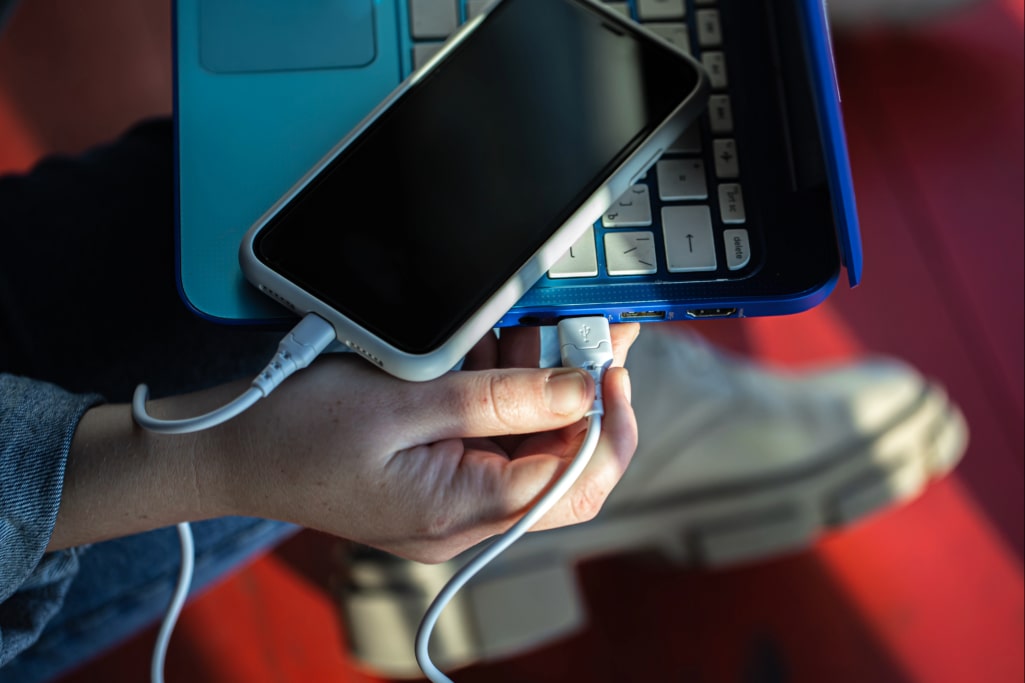
This tool is often referred to as the most versatile iPhone data recovery app because it combines simplicity with powerful features. The program is built to pull data directly from the device or through iTunes and iCloud.
Its key strengths
· Recovers WhatsApp, LINE, and other app data.
· Works with iOS devices, backups, and iCloud.
· Previews files before restoration.
· Runs on both Windows and Mac.
One of its best features is chat recovery. Losing months of WhatsApp chats can be frustrating, but UltData lets you get them back in just a few easy steps. Its simple design and strong scanning make it perfect for people who want quick results without any trouble.
4. iMyFone D-Back
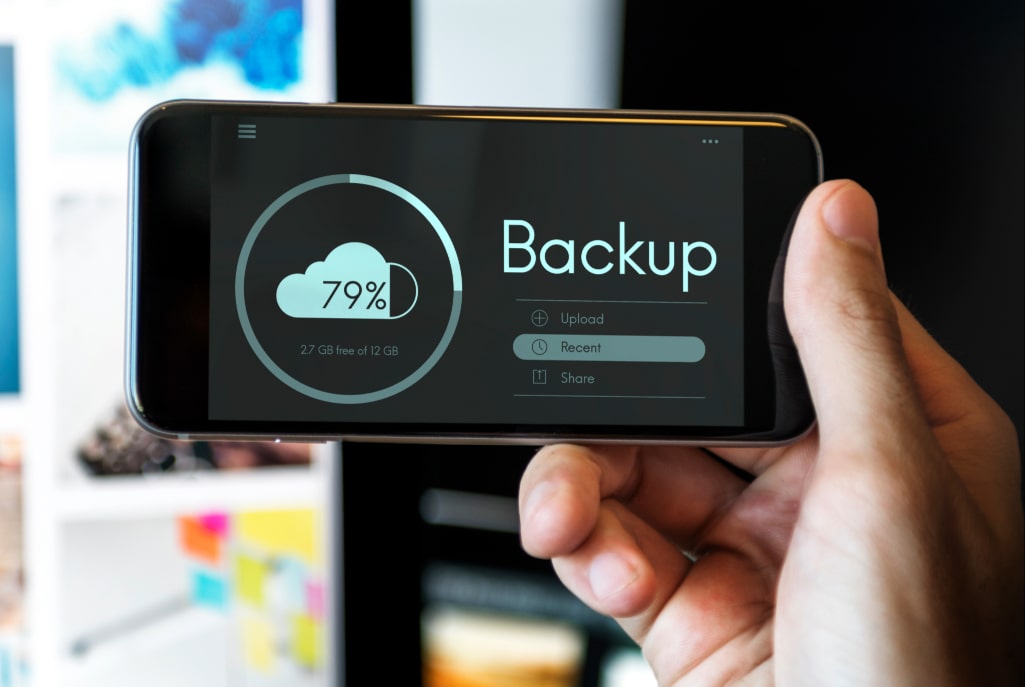
This tool is well-known for offering different recovery options. It gives you flexibility in how you restore your lost data, making it easier to find the best method for your situation.. Instead of offering one method, it adjusts based on how the files were lost. That's why it's often seen as a smart iPhone data restore software.
Why D-Back works well
· Four recovery modes: device, iTunes, iCloud, and smart recovery.
· Restores text messages, photos, contacts, and bookmarks.
· Compatible with the latest iOS versions.
· Repairs minor iOS issues, too.
For example, after clearing history, Safari bookmarks can disappear. Using D-Back's targeted recovery mode, only those bookmarks can be restored without unnecessary files. This level of control helps users focus only on what matters most.
5. Stellar Data Recovery for iPhone
Stellar is a trusted brand for fixing lost data, and its iPhone version works just as well. It's great for fixing damaged backups or getting data from locked files. It's a good choice if you need help recovering important stuff.
Key Features
· Recovers data from iPhone, iTunes, and iCloud backups.
· Works with locked (encrypted) backups.
· Recovers notes, Safari data, and app attachments.
· Works on both Windows and Mac.
Someone who deleted encrypted backups by mistake was able to use Stellar to restore them successfully. This ability to recover from difficult scenarios is why it's considered dependable iPhone data recovery software for Windows and Mac.
6. Disk Drill iPhone Recovery

It is known for being both user-friendly and powerful. The tool digs deep into the iPhone system but presents results in a modern and easy-to-understand layout.
Reasons to pick Disk Drill
· Supports recovery of messages, contacts, media, and logs.
· Works with iTunes and iCloud as well as directly from iPhone.
· Offers extra data protection tools.
· Clean design that reduces confusion.
In one case, a lost call history was retrieved and exported neatly into a file. That feature makes it practical for saving records outside the device. Disk Drill suits those who value a clean design with strong functionality.
7. FonePaw iPhone Data Recovery

FonePaw is another tool that is highly recommended, mainly because it offers flexibility. You can recover files directly from your iPhone, from iTunes, or from iCloud backups. It covers the main bases and gives you options depending on what you have available. Looking for an affordable way to restore your lost phone data? Use Tenorshare Coupon Codes to grab unbeatable discounts on advanced Phone Data Recovery solutions today!
Here's what stands out with FonePaw
· Restores photos, videos, messages, notes, and app data.
· Allows selective recovery; you don't need to bring back everything at once.
· User-friendly design, so even first-timers won't feel lost.
· Supports recovery for multiple file formats, which adds more value.
Another helpful point is that it doesn't require iTunes for every task. So, if you're looking for an iPhone recovery tool without iTunes, this one gives you that freedom.
8. Enigma Recovery Tool

Enigma Recovery is a solid option if you want a tool that focuses on both security and reliability. It's often used by people who lose their iPhone data after a reset or a major crash. The software scans your device or backup files and then shows your data in an easy-to-read way, so you can quickly find what can be recovered.
Here's what makes Enigma Recovery valuable
· Recovers deleted messages, call logs, contacts, and photos.
· Allows you to export recovered files to your computer in various formats.
· Works with iPhones, iPads, and even iPod Touch.
· Compatible with encrypted backups, which is helpful for extra-secure devices.
After a factory reset, it is often assumed that everything is gone. However, Enigma can recover iPhone data after a factory reset by scanning backups and displaying recoverable files. This capability makes it a strong choice for users worried about major resets.
9. Aiseesoft FoneLab

If you're after a tool that combines reliability with quick performance, then it deserves a place in your recovery toolkit. It's designed to quickly scan your iPhone and recover a wide variety of files. What's nice is that it doesn't just focus on media; it also handles call history, reminders, and even app attachments.
Here's why FoneLab stands out
· Recovers from iOS devices, iTunes, and iCloud backups.
· Offers fast scanning without eating up too much computer power.
· Provides clear previews before you restore files.
· Supports recovery of over 20 file types.
An example is restoring months of lost WhatsApp media. FoneLab's quick scan located the attachments and recovered them in minutes, which is faster than many competitors.
10. Joyoshare iPhone Data Recovery

Joyoshare iPhone Data Recovery is often praised for its balance of speed, recovery rate, and ease of use. It's perfect for people who want straightforward recovery without technical hassle. Whether you deleted files by accident or lost them due to a system crash, Joyoshare gives you a quick way to restore them.
Here's what makes Joyoshare a strong choice:
· Recovers over 20 different file types, including media, messages, and notes.
· Works with three recovery modes: iPhone device, iTunes backup, and iCloud backup.
· Provides a real-time preview before recovery.
· Compatible with the latest iOS devices and updates.
For example, after deleting a whole album by mistake, Joyoshare scanned the iPhone and displayed the lost pictures. Being able to select only the needed files kept the process stress-free.
Final Note
At the end of the day, having the right tool makes all the difference when it comes to restoring lost files on your iPhone. Each option I shared above comes with its own strengths—some are faster, others are easier to use, and a few are more budget-friendly. What matters most is finding the one that matches your situation.
Whether you want to recover just a few deleted photos or bring back a full backup after an update, you now have a clear list to choose from. Don't panic the next time something goes missing—you're not powerless. The world of iPhone data recovery tools is wide and reliable enough to help you out.
And if you're looking for handy deals on software, you can always check resources like getmecodes.com. It's a small step that can save you money while giving you peace of mind.
FAQs
1. Can deleted photos be recovered if there's no backup?
Yes, some tools can scan the iPhone directly without relying on iCloud or iTunes. They search the internal storage for traces of deleted photos and restore them if not overwritten.
2. Is it safe to use recovery software on an iPhone?
Most reputable programs are read-only, meaning they scan and recover without damaging existing files. Always download from official websites to avoid risky copies.
3. What are the best iPhone recovery tools for beginners?
Beginners usually prefer tools with simple layouts and step-by-step guides. Options like Dr.Fone, Joyoshare, or UltData are designed with clarity in mind. Deals for these tools are sometimes available on getmecodes.com.
4. Do recovery tools work with water-damaged iPhones?
If the phone powers on, yes. The tools can often read storage and recover data. If the device doesn't turn on, professional repair may be needed before recovery.
5. Can app data like WhatsApp or Viber chats be restored?
Yes, many recovery programs now support app-specific recovery. They can bring back chat history, attachments, and media files from messaging apps, provided the data hasn't been overwritten.

Khadija Hanif (LinkedIn)
I am a creative content writer with three years of experience, covering a wide range of topics from fashion to the latest trends in the tech and entertainment industries. I supports mental health initiatives. My aim is to provide clear, insightful information on latest trends, fashion, health & wellbeing .
Computer, Hardware & Software Discount Stores
























 Sign Up & Get $5 Instantly!